This site was designed and built for conformance with the Web Content Accessibility Guidelines (WCAG) 2.1 level AA, the recognized international guidelines for web accessibility.
In concrete terms, this means: sufficient color contrast for low vision, full screen-reader support, keyboard navigation, alternative text on informative images, clear form labels, and compatibility with assistive technologies like JAWS, NVDA, VoiceOver and TalkBack.
California Government Code §7405
As a business operating in California, we also comply with California Government Code §7405, which requires that the websites of government and regulated entities be accessible under the federal Rehabilitation Act's Section 508 standards.
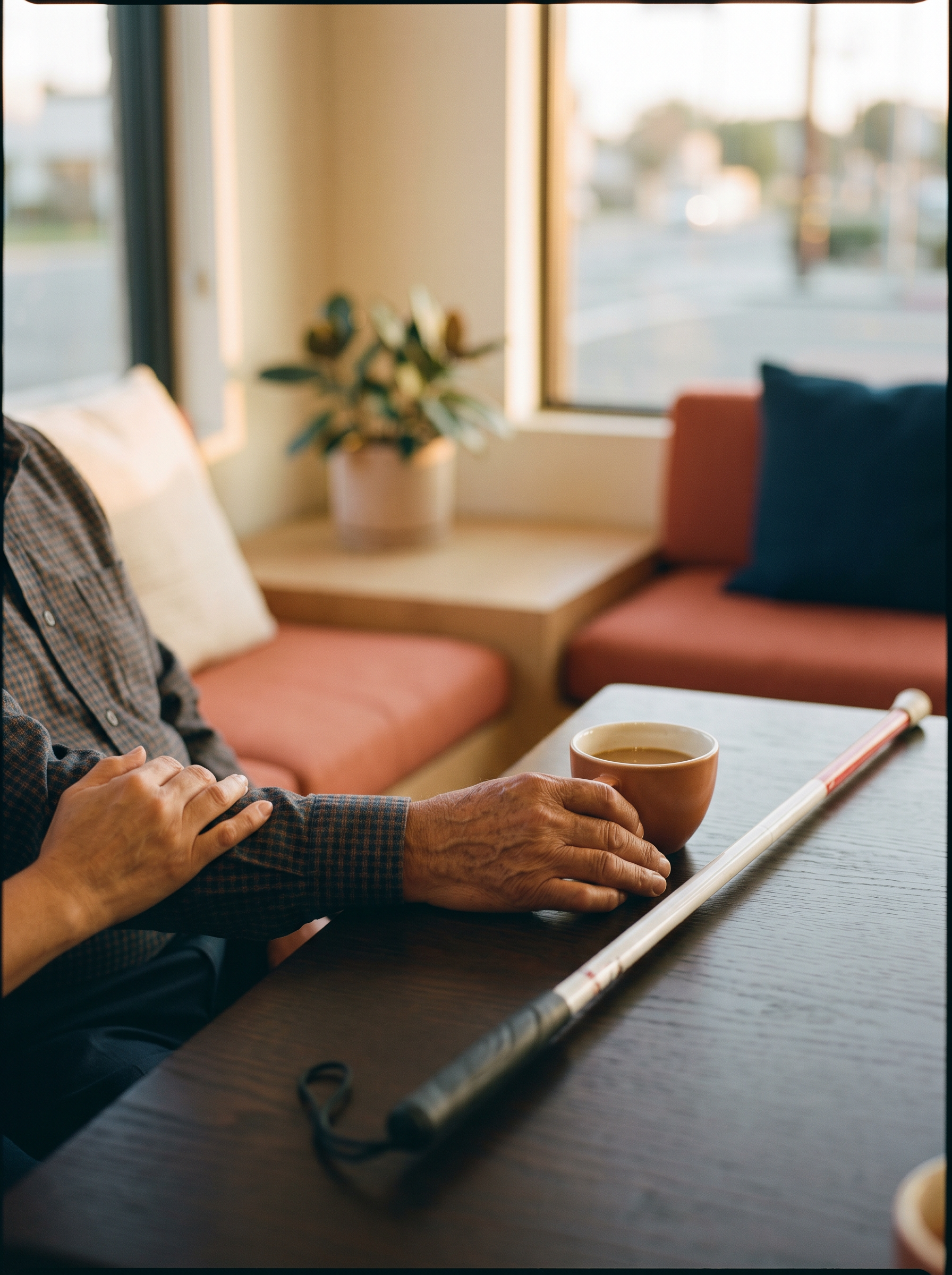
What we did.
High contrast
All text meets contrast ratios of 4.5:1 (normal text) or 3:1 (large text) against its background.
Keyboard navigation
The whole site can be used without a mouse. Tab, Enter, Esc and arrow keys work where you'd expect.
Screen readers
Semantic HTML, ARIA landmarks, form labels, and logical reading order for JAWS, NVDA, VoiceOver and TalkBack.
Scalable text
Text can be enlarged up to 200% without losing functionality or causing overlap.
No keyboard traps
Modals, menus and dialogs don't trap focus — you can always exit with Esc or Tab.
Skip to content
A "Skip to content" link at the start of every page to avoid repeating the navigation with a screen reader.
Reduced motion
We respect prefers-reduced-motion — if you set your device to reduce animations, ours stop.
Marked languages
Every page has the correct lang attribute (es/en), so screen readers pronounce things properly.
Accessible forms
Associated labels, clear error messages, and validation that doesn't rely on color alone.
What we know we're still missing.
No policy is perfect. These are the areas where we know the site doesn't yet reach the level we want. We're working on each one.
- Embedded Google map — the map iframe isn't fully navigable with a screen reader. That's why we offer the full address in text near the map and an "Open in Google Maps" link that opens the native app, where accessibility is better.
- Form PDFs — some of our new-patient form PDFs aren't fully tagged for screen readers yet. While we fix them, we offer to fill out the forms when you arrive at the office, with personal assistance.
- Decorative images — some decorative images don't have image descriptions yet, even where it would be helpful. We're working on adding descriptions throughout 2026.
This list is updated each time we close a point or identify a new one.
Found a barrier?
We want to know. No matter how small the problem seems, write to us — and we respond within 2 business days.
Email accesibilidad@drasotodentista.com
Phone (626) 415-7775
When you write to us, please include: the page where you found the problem, the device and assistive technology you use (if any), and a description of what happened.